


Society
How Your Phone Is Your Data While You Sleep
smartphone does not need its owner to be awake before it connects to the internet

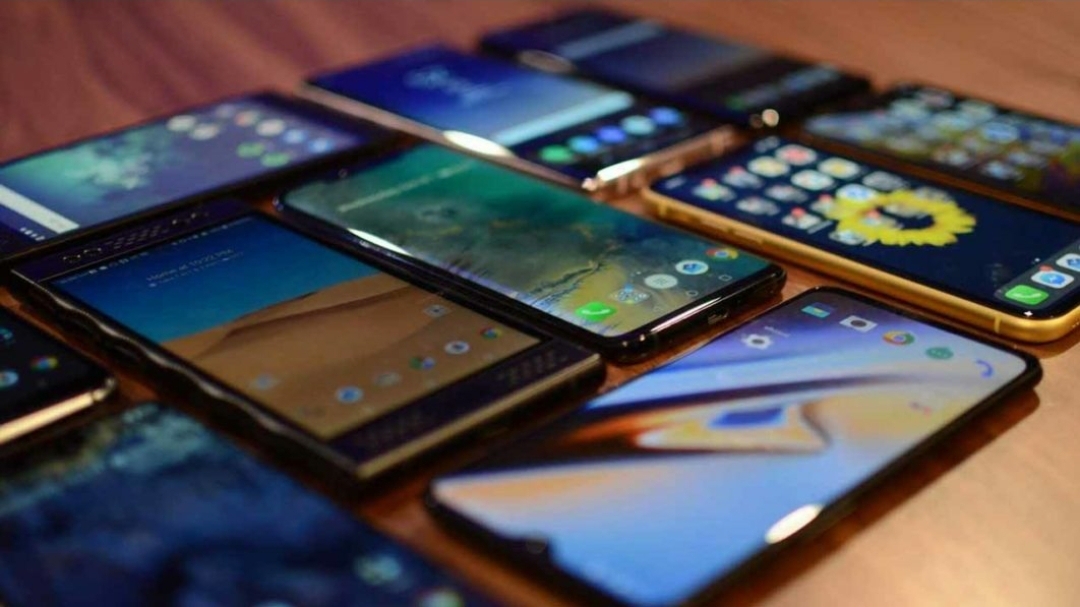
A smartphone does not need its owner to be awake before it connects to the internet.
Applications can synchronise messages, update content, back up files and download software in the background, consuming mobile data without the user actively browsing.
The Nigerian Communications Commission (NCC) has identified these and other digital activities as reasons subscribers may experience faster-than-expected data depletion, while urging consumers to monitor usage and demand explanations where discrepancies arise.
The experience is familiar to many Nigerians. A subscriber purchases a data bundle, uses the phone sparingly, goes to bed and wakes up to discover that a significant portion of the allocation has disappeared. For some, the immediate conclusion is that their telecommunications operator has deducted data without providing a corresponding service.
Such suspicions have fuelled years of friction between consumers and mobile network operators, particularly as mobile internet becomes increasingly important for banking, business, education, entertainment and communication.
But while unexplained deductions deserve investigation, data depletion does not automatically establish that an operator has stolen a subscriber’s data. Understanding how smartphones consume data, how network billing works and how to check usage records can help separate ordinary consumption from genuine billing disputes.
What happens to your data while you sleep?
Modern smartphones are designed to remain connected even when their screens are switched off. Depending on the device’s settings, applications and network connection, a phone may continue exchanging information with internet services long after its owner has stopped using it.
Messaging applications can synchronise conversations and media. Email services can retrieve new messages. Cloud services may upload photographs, videos, contacts and other files. Social media applications can refresh feeds, while installed applications may download updates or pre-load content in preparation for the next time they are opened.
Automatic backups can be particularly significant when a phone has accumulated large photographs or video files. If a backup is permitted over mobile data, the process can consume a substantial portion of a bundle without requiring the owner to touch the device.
Notifications themselves are not necessarily major data consumers. However, the background connections supporting synchronisation, media downloads and other application functions can add to total consumption.
The Android developer documentation recognises background network activity as a real feature of mobile applications. Applications can access mobile networks while operating in the background, even when they are not being actively used on screen.
The practical implication is simple: a phone that appears idle may still be exchanging data with remote servers.
Does faster internet mean faster data depletion?
Another source of confusion is the relationship between connection speed and consumption. Faster internet does not, by itself, make the same file larger. However, it allows users and applications to transfer more information in less time.
A video platform, for instance, may automatically select a higher resolution when the connection can support it. Watching videos in high definition, downloading large files and using video-heavy social media feeds can therefore exhaust a bundle faster than expected.
The NCC’s frequently asked questions on internet data consumption identify video advertisements, application activity, downloads and higher-speed connections among the factors that can influence consumption. A subscriber who believes they are merely reading online articles may also be downloading images, advertisements and automatically playing videos.
This is why time spent online is not always a reliable measure of how much data has been used. A short video session may consume more data than a considerably longer period of reading text.
Are telecom operators stealing subscribers’ data?
The allegation persists partly because consumers cannot easily see everything happening between their devices and the internet. They see a falling balance but may not know which application, download or background process caused it.
The NCC has previously explained that unexpectedly rapid depletion does not necessarily result from illegal deductions or sharp practices by mobile network operators. In a statement on the issue, the Commission identified advances in applications, software updates and digital services as contributors to rising consumption.
However, that explanation should not be interpreted as proof that every billing complaint is unfounded.
In August 2025, NCC Executive Vice Chairman Aminu Maida said the Commission had moved to require independent audits of operators’ billing systems amid persistent complaints about data depletion and inaccurate billing. The intervention reflected the need to investigate discrepancies rather than dismiss consumer concerns outright.
The distinction matters. Data consumed by a phone is not the same as data incorrectly deducted from an account. The first can often be explained through device settings and application activity; the second requires evidence from usage records and the operator’s billing system.
Consumers should therefore demand transparency, while operators must be able to explain disputed deductions with sufficiently clear records.
How can subscribers make their data last longer?
The first step is to check which applications consume the most data. Android phones generally provide this information under Settings and Network or Mobile Data, although the exact menu differs by manufacturer. iPhones provide cellular-data statistics through Settings, where users can review consumption by application.
Comparing the phone’s records with the operator’s balance and usage history can help identify possible causes. The measurement periods must be aligned, however, because device statistics may cover a different period from the operator’s billing records.
Subscribers can also take practical steps to reduce unnecessary consumption:
Restrict background data: Use Data Saver on Android or disable cellular access for selected applications on iPhones where appropriate.
Turn off automatic updates over mobile data: Configure application and software updates to use Wi-Fi where possible.
Reduce video quality: Choose lower streaming resolutions and disable autoplay when using a limited bundle.
Control cloud backups: Set photographs, videos and large files to upload only over trusted Wi-Fi.
Review messaging downloads: Prevent applications from automatically downloading every video, photograph or document received in group chats.
Monitor hotspots: Secure mobile hotspots with strong passwords and check connected devices.
Set usage alerts: Use a phone’s data warning or limit features, where available, and regularly compare the readings with the operator’s balance.
These measures align with the NCC’s consumer guidance on managing data consumption.
What should you do when the figures do not add up?
Subscribers who suspect an unexplained deduction should record their data balance, the time they purchased a bundle and the period during which the disputed depletion occurred. Screenshots of device usage statistics can provide additional evidence.
They should then contact their operator and request a detailed usage history for the relevant period, asking the company to investigate any discrepancy. Keeping a complaint reference number is important.
If the response is unsatisfactory, the matter can be escalated to the NCC through its consumer complaint channels, including the toll-free number 622. The Commission’s published complaint procedure advises consumers to approach their service provider first and retain the reference number for escalation.
Ultimately, the answer to unexplained data depletion is neither automatic suspicion nor unquestioning acceptance of an operator’s explanation. It is evidence.
A smartphone may continue consuming data while its owner sleeps, but consumers should not have to guess where their purchased data went. Better device settings, regular monitoring, transparent billing records and effective complaint resolution can help replace the mystery surrounding data depletion with verifiable answers



